App Lock - Fingerprint Lock
360 Tool
Downloads
50,000,000+
Source
Google Play
Advertisement
Click to download now, finish the installation quickly, and directly unlock the all-round experience
Advertisement
Screenshots
Click to download now, finish the installation quickly, and directly unlock the all-round experience
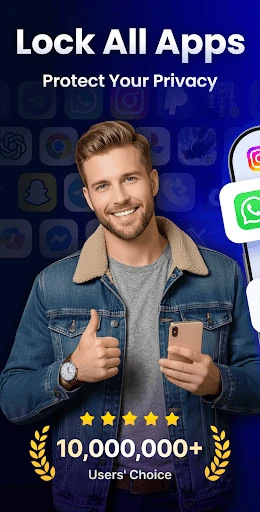
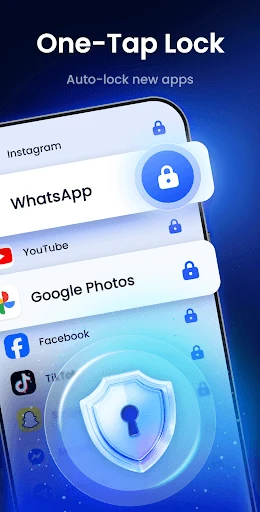
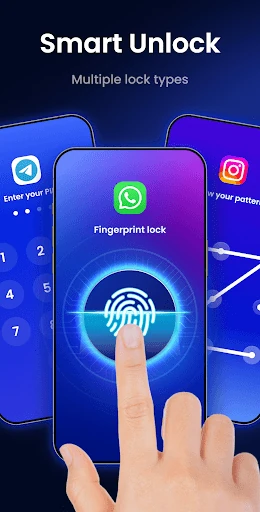
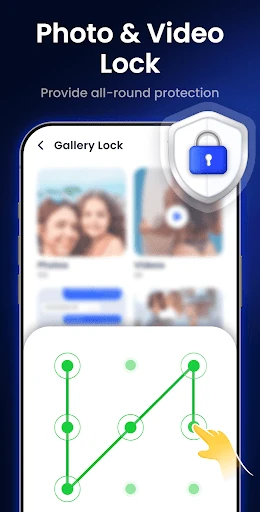
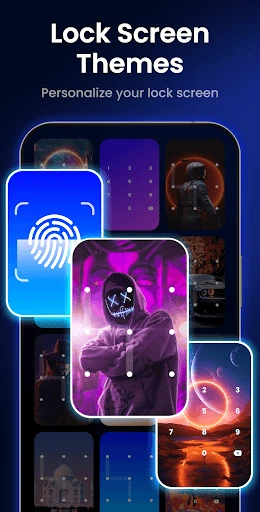
App Lock - Fingerprint Lock adds a PIN, pattern or fingerprint check before someone can open apps you choose. It may suit people who share a phone, lend it to family, or want an extra barrier around messaging and finance apps without locking the whole device. It is from 360 Tool and is listed in Productivity.
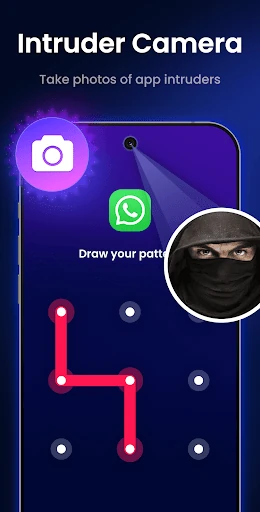
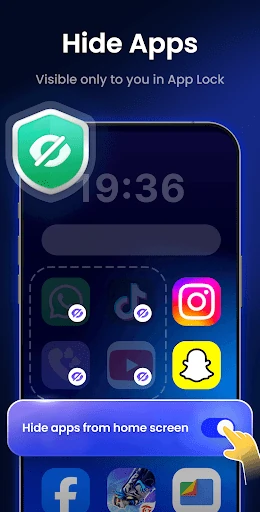
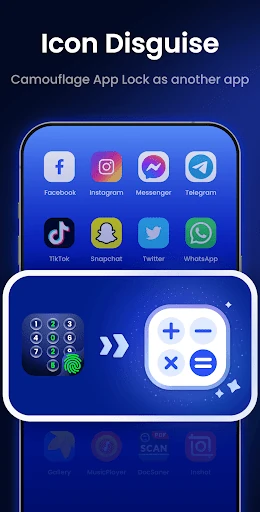
The listed tools also include an intruder camera that can photograph someone entering incorrect credentials, an option to disguise the locker’s icon, and controls for hiding message previews. A junk-file cleaner is included too. These extras may matter if you want several privacy tools in one app, but check the current description to see exactly how each works and what access it requests.
The app shows a 4.66 rating from 339,137 ratings and 50,000,000+ installs. That is a substantial track record, though it cannot tell you whether the app will behave well on your particular phone or whether its permissions fit your comfort level. Look through recent reviews for reports about reliability, ads, or compatibility rather than relying on the overall score alone.
If an earlier app locker felt intrusive or unreliable, revisit the store page rather than assuming the same experience still applies. Check the latest description for supported locking methods and features, read 360 Tool’s own notes about changes, and review recent user feedback. Also confirm that fingerprint unlocking is supported on your device and consider whether the requested permissions make sense for the features you plan to use.