
Blink Home Monitor
Immedia Semiconductor
Downloads
10,000,000+
Source
Google Play
Advertisement
Click to download now, finish the installation quickly, and directly unlock the all-round experience
Advertisement
Screenshots
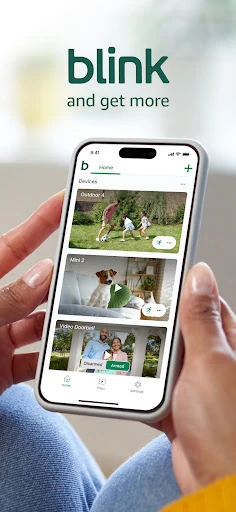

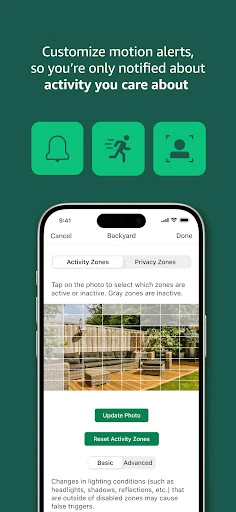
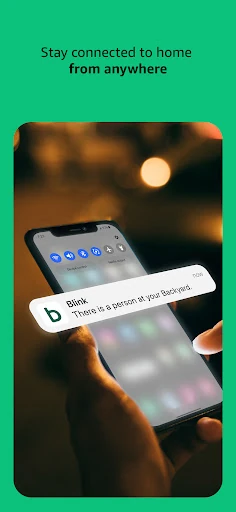
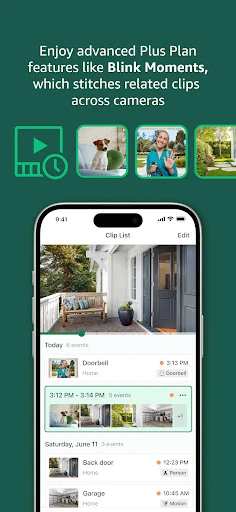

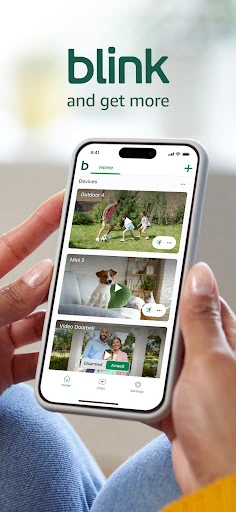
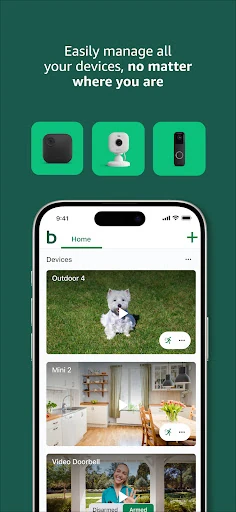

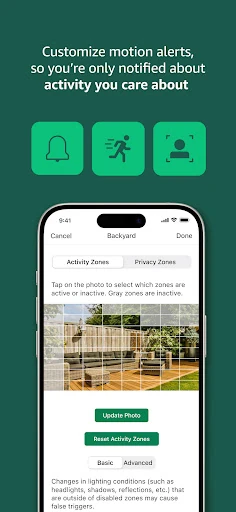
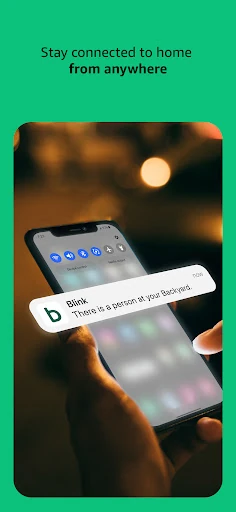
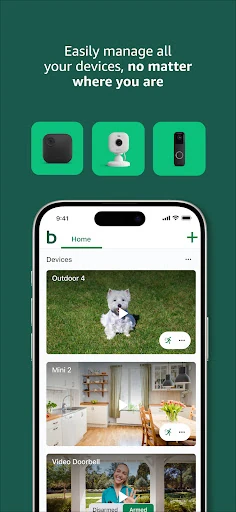
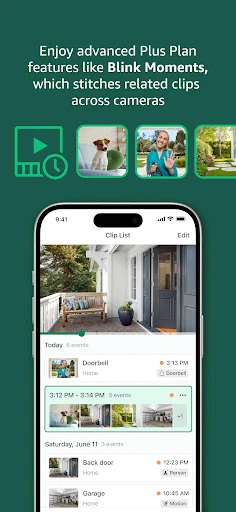


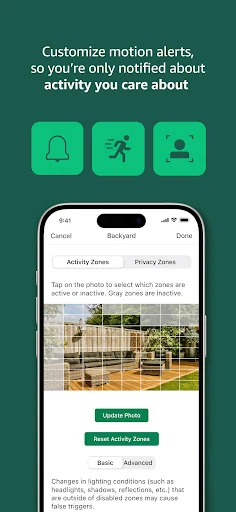
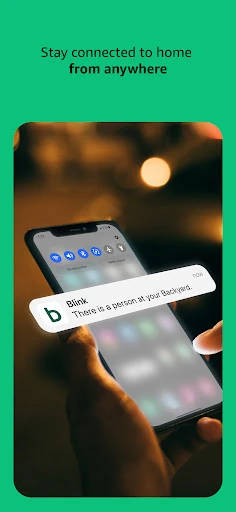
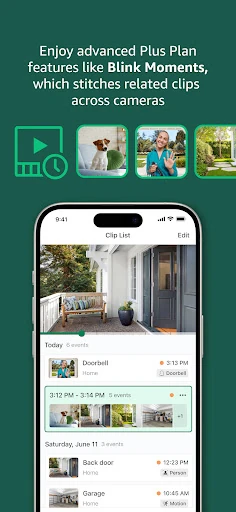

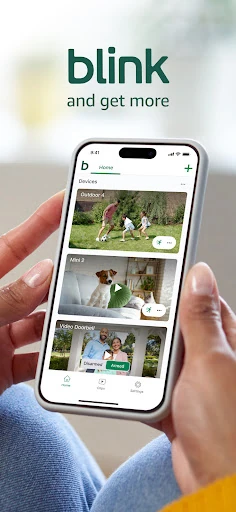
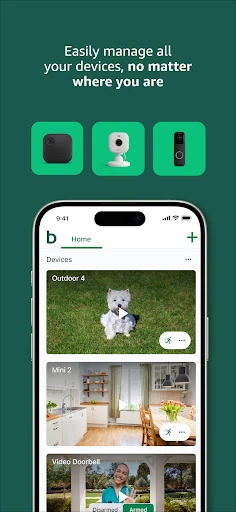
Click to download now, finish the installation quickly, and directly unlock the all-round experience
Blink Home Monitor is the companion app for Blink home security cameras. It lets you check live video, hear and speak through supported cameras, and receive motion alerts. It suits people who already own Blink equipment, or who are comparing camera systems and want to know what they would manage from a phone.
Camera features vary by model. The store description mentions HD live view, infrared night vision and two-way audio, while the range includes plug-in, wired and wireless cameras for different placements around the home. The app is a control point for that equipment, not a standalone way to watch a home without a Blink camera.
Motion notifications can be customized, and activity and privacy zones can help narrow what triggers alerts. Compatible Alexa devices can also be used for voice controls, including arming or disarming the system and accessing live view. Check the current app description for which controls apply to the cameras you own; capabilities are not necessarily identical across the range.
Blink Home Monitor is listed in Tools, with a 4.35 rating from 193,248 reviews and 10,000,000+ installs. Those figures point to a widely used app, but they do not tell you whether recent updates have addressed the issue that made you leave it. Read recent reviews alongside the overall score, especially if your concern is alerts, setup or a particular camera model.
Immedia Semiconductor is the listed developer. Check the current store description and the developer’s own notes for changes relevant to your hardware and how you use it. If you dropped the app because it sent too many alerts or lacked a control you needed, verify those details directly rather than assuming every Blink camera behaves the same way.