
Advertisement
Click to download now, finish the installation quickly, and directly unlock the all-round experience
Advertisement
Screenshots
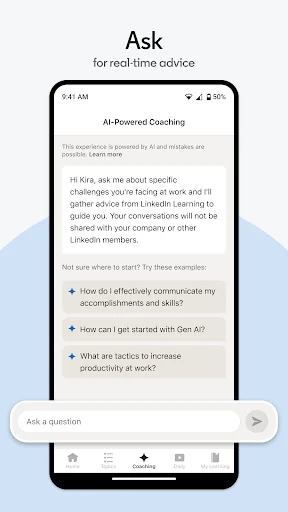
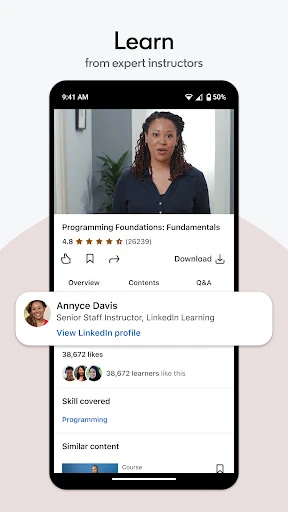
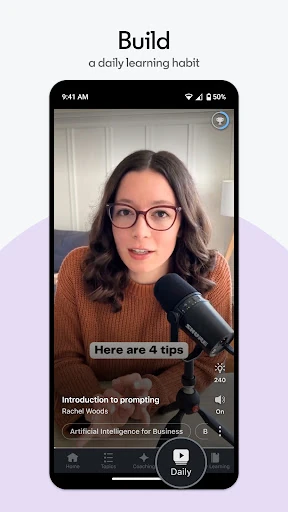
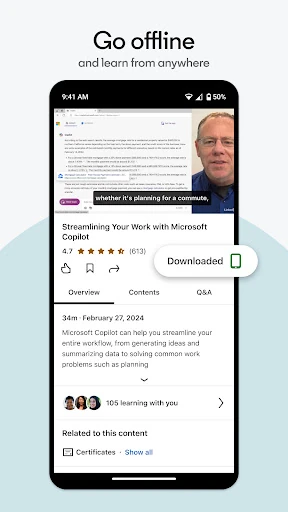
Click to download now, finish the installation quickly, and directly unlock the all-round experience
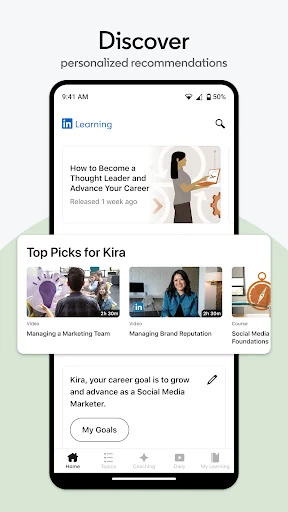
LinkedIn Learning is an education app for people who want guided courses on professional subjects, rather than a general-purpose school curriculum. Browse lessons, watch course videos and work through topics that may help with a current role or a change in direction. It is most useful if you have a skill or subject in mind and prefer instruction you can fit around other commitments.
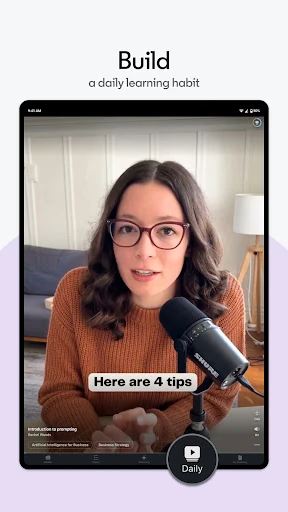
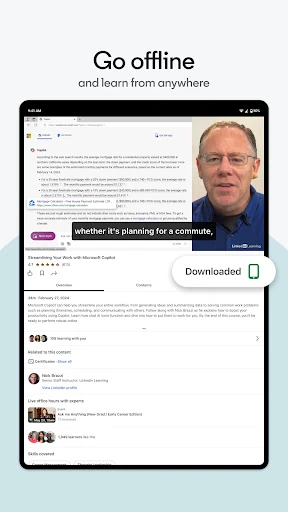
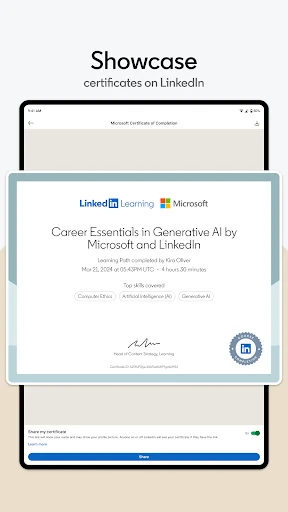
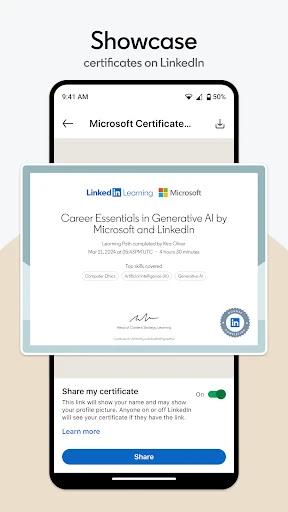
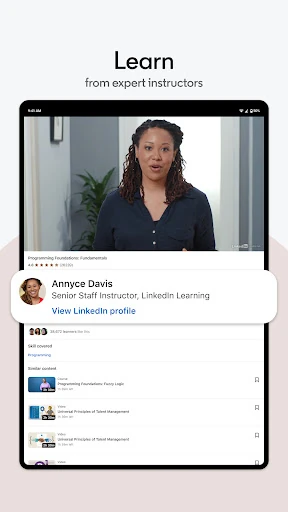
The app’s course library is the main reason to take another look. The listing describes video lessons, audio listening and options for learning offline; check the current description to see which formats and course access terms apply. Some learning may offer certificates or continuing education credit, but check the details for the course you have in mind rather than assuming every course provides a credential.
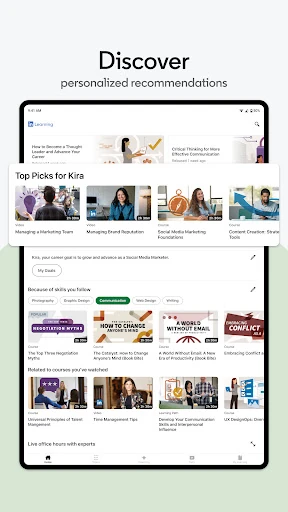
Recommendations can draw on your LinkedIn profile and interests. That may help narrow a large catalogue, though it is worth checking whether the suggestions match what you want to learn now. The app is published by LinkedIn, so the developer name is easy to verify on the store page.
LinkedIn Learning has a 4.79 rating from 174,827 reviews and 10,000,000+ installs. Those figures point to a large audience and broadly positive feedback, but they cannot tell you whether the course selection, access model or teaching style fits your needs. Read recent reviews for comments on the parts that matter to you, and compare them with the current store description.
If you previously dismissed it as just a collection of videos, revisit the listing and inspect a course or two before deciding. Check the subject range, available formats, credential details and any limits on access. Those specifics are more useful than assuming your first impression still describes the app.