Advertisement
Click to download now, finish the installation quickly, and directly unlock the all-round experience
Advertisement
Screenshots
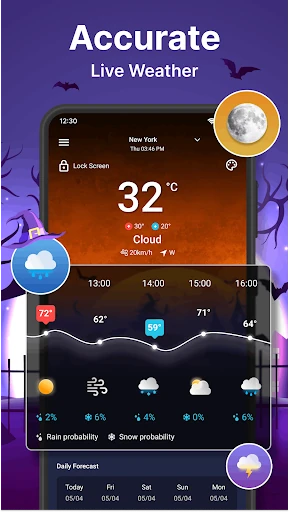
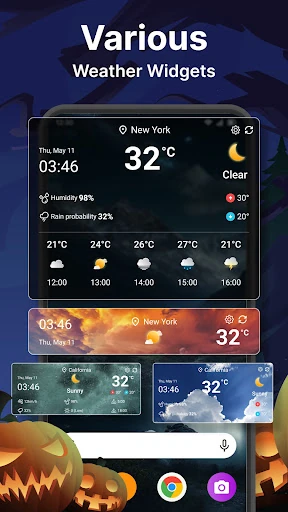
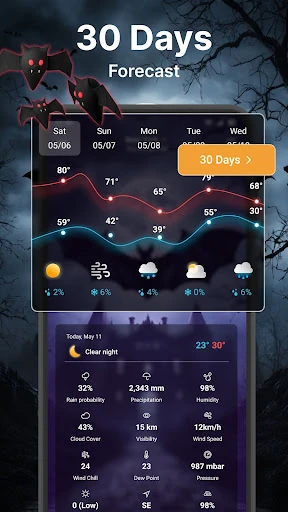
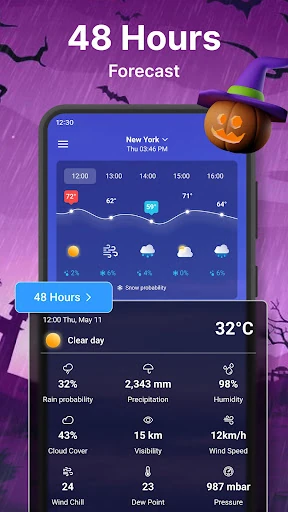
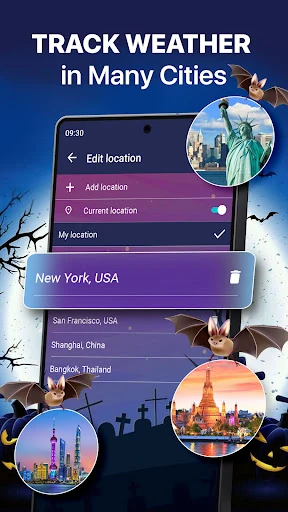
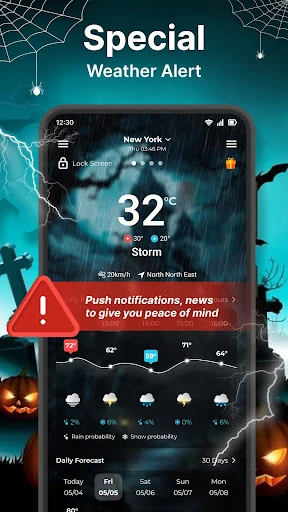
Click to download now, finish the installation quickly, and directly unlock the all-round experience
Weather Forecast gives you local conditions and forecasts for planning the day, from temperature and rain to wind and humidity. It suits anyone who wants more than a single temperature reading, including people checking the outlook before heading outdoors. The app can use your location for local forecasts, and lets you look across hourly, daily and seven-day views.
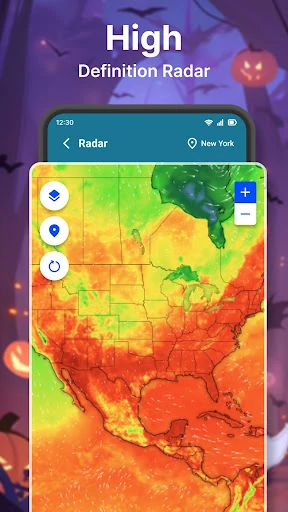
If you mainly need a quick check, see whether the current screenshots make the key information easy to find. For more detailed planning, check that the listed measurements match what you care about: the app is described as including pressure, dew point, visibility and radar maps, as well as sunrise, sunset and moon phases. Widgets and lock-screen information are also mentioned, so look for recent screenshots or developer notes showing how those appear on your device.
Weather Forecast is listed with a 4.67 rating from 181,787 ratings and more than 10 million installs. That is a substantial track record, but it cannot tell you whether the app works well for your location or whether its current layout suits you. Read newer reviews for comments about forecast usefulness, location updates and any interruptions that matter to your routine. Weather can vary by place, so feedback from people in your area may be more relevant than broad praise or criticism.
The developer is TOH Talent Team. Before returning, read the current description and the developer’s own updates rather than relying on an old impression. In particular, verify which forecast views and location options are currently described, and whether the widgets or radar features you remember are still presented as part of the app. If you previously left because the information felt crowded, the latest screenshots are a useful way to judge whether it is now easier to scan.